How to Create A+ Content That Sells
Contents expand_more
Practical Guide: How to Create Irresistible A+ Content and Sell More on Amazon
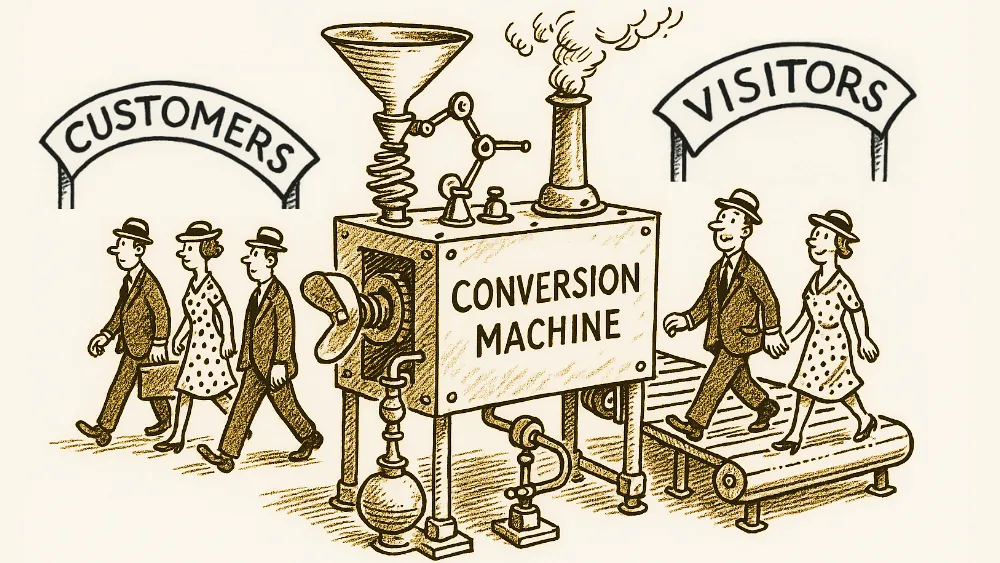
In today’s competitive Amazon marketplace, standing out takes far more than good prices and fast shipping. A+ Content, formerly known as Enhanced Brand Content (EBC), is a powerful tool that can increase your listings’ conversion rates by between 5.6% and 10% — and, in the case of Premium A+ Content, sales can grow by up to 20%. In this article, we explain step by step how to create A+ Content that grabs attention and delivers results.
What Is Amazon A+ Content?
A+ Content transforms simple product descriptions into engaging visual stories that help customers connect with your brand. Unlike basic listings, which use only text and simple images, A+ Content lets you add detailed images, comparison tables, infographics and brand narratives. This content appears in the product description section, on both desktop and mobile. The evolution from basic text to A+ Content shows that today’s buyers want more than specifications — they want to understand the product’s value, see how it’s used and feel confident in the brand.
Types of A+ Content Available Brands registered in Brand Registry have access to several types of A+ Content:
Basic A+ Content: lets you add extra images, detailed descriptions and comparison tables.
“Brand Story” module: appears at the top of listings and helps create a consistent brand identity across your entire catalogue.
Premium A+ Content (A++): includes interactive elements such as videos, hotspots and animations. Although more exclusive, it can have a significant impact on conversions.
How to Plan Your A+ Content Strategy
Success starts with planning and competitor analysis.
Study your main competitors’ listings: look at the structure, the type of images, the copy and how they address customer doubts. This way, you can identify differentiation opportunities.
Key steps:
Competitor analysis
Customer journey mapping
Content structure and design
Visual asset creation
Implementation and testing
The Customer Journey: From Interest to Purchase
Before creating your A+ Content, think about the buying stage the customer is at. Some are just researching; others are already ready to buy.
Create a content structure that guides the customer:
Start with lifestyle images that create an emotional connection.
Follow with clear features and benefits.
Finish with comparison tables and technical specifications that reinforce the purchase decision.
Choosing the Right Products
Not all products need the same level of investment in A+ Content. Focus first on those that deliver the greatest return:
Best sellers, since they already have proven demand.
Those with high margins, as the increase in conversion generates more profit.
Complex products, which require visual explanation or demonstration.
After optimising these products, analyse the results and apply the best practices to the rest of your catalogue. Creating Effective A+ Content Visual appearance is fundamental. Use high-quality images, consistent branding and a clear visual hierarchy that naturally guides the customer’s eye.
Images That Tell Stories
Use high-resolution photos (minimum 1500px on the longer side).
Show the product from different angles and in real-life use situations.
In comparison graphics, keep the design clean and legible, including on mobile devices.
Copy That Converts
Images attract, but copy sells. Every paragraph should communicate value directly. Use the active voice and simple language.
Example:
Instead of “Our product has a 5000mAh battery”,
write “Work all day without interruptions with the 5000mAh battery that saves you from mid-day charging.”
Best Implementation Practices
Create and submit your A+ Content through the A+ Content Manager in Seller Central. Technical Requirements
Images in RGB, JPEG or PNG format, up to 2MB.
Check the appearance on desktop and mobile.
Organise the files (images, copy and data) in a content management system to make future updates easier.
Avoid Common Mistakes
Don’t use promotional language or references to prices, shipping or returns.
Avoid overloading with unnecessary information.
Each module should have a clear purpose and add value to the purchase decision.
Measuring and Optimising Results
Regularly track the performance of your A+ Content through metrics such as conversion rate and the percentage of sessions with a purchase. Test and Improve Use Amazon’s Manage Your Experiments tool to run A/B tests. Try variations of layout, images or copy — always one variable at a time — to understand what really works.
Update your content periodically, adapting it to seasonal trends and new product features. Conclusion
Creating effective A+ Content is a strategic investment in your brand. With planning, good images, clear copy and continuous optimisation, you can increase conversions and strengthen brand recognition.
Start applying these strategies today and track the results. With consistency and a focus on data, your A+ Content can transform your Amazon listings and boost your sales.